What
Should
Manufacturers
Look
for
in
an
IT
Disaster
Recovery
Plan?



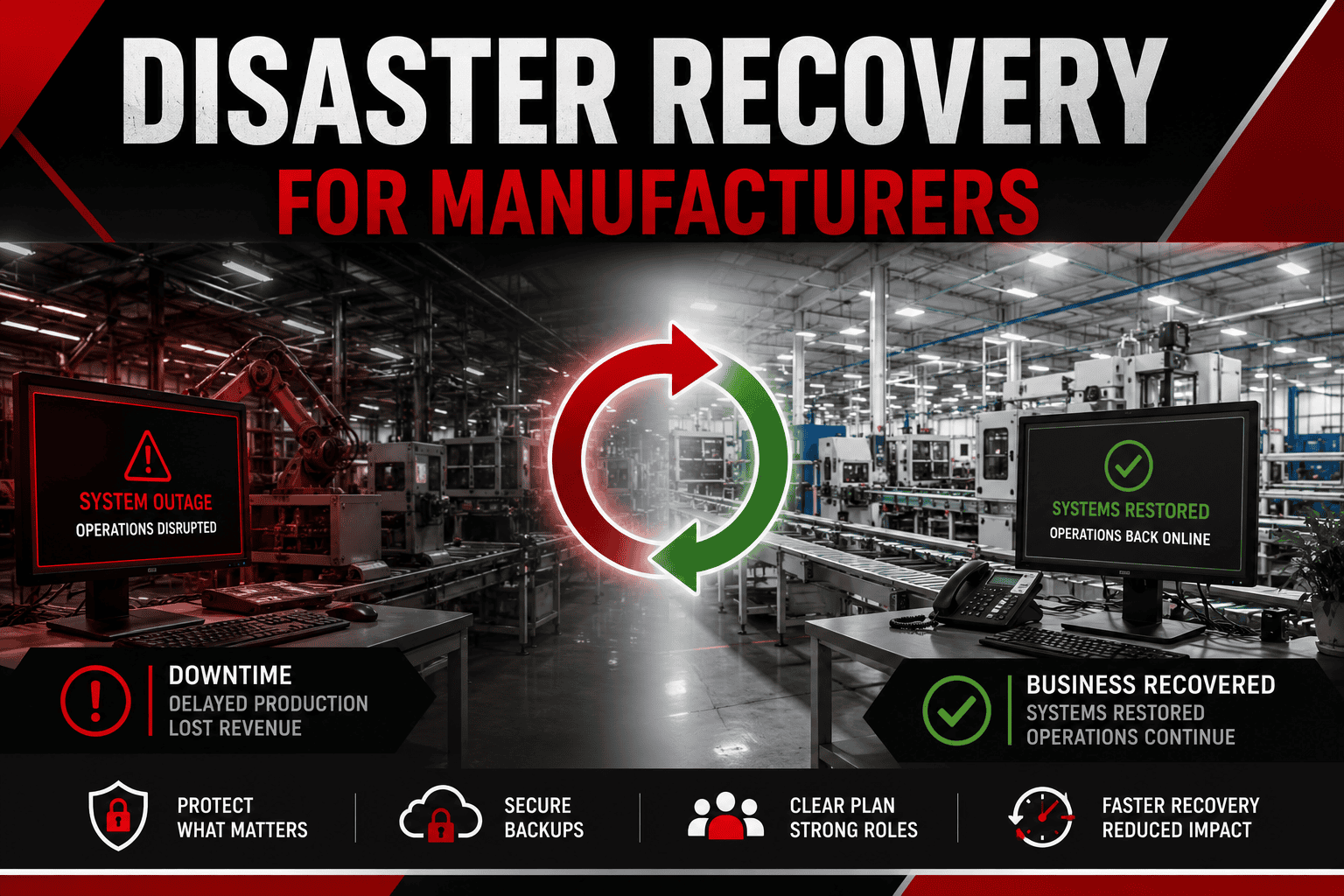
A manufacturing IT disaster recovery plan should identify which systems need to be restored, in what order, how quickly they need to return, how much data the company can afford to lose, where recovery data is stored, and who is responsible for each step.
Disaster recovery planning starts by identifying the technology the business cannot operate without.
Manufacturers often depend on a combination of traditional IT systems, cloud services, and technology supporting production. Depending on the operation, critical systems may include:
The important question is not simply whether a system is important. Manufacturers should understand what happens to operations when that system becomes unavailable.
For example, production equipment might still be functional during an ERP outage, but employees may be unable to access work orders, inventory information, scheduling data, shipping information, or other resources needed to keep operations moving.
Dependencies also matter. An ERP application may require a database server, authentication service, network connectivity, and storage before users can access it. Restoring the application without restoring those dependencies does not restore the business function.
A useful disaster recovery inventory should therefore document both critical systems and the technology each system depends on.
Once critical systems have been identified, manufacturers need to determine how quickly they must be recovered and how much data loss is acceptable. Two measurements help define those requirements.
RTO is the target amount of time for restoring a system or service after an interruption. A manufacturer might determine that a critical business system needs to be restored within several hours, while a less important application could remain unavailable longer without significantly affecting operations.
RPO represents the acceptable amount of data loss measured in time. If a system is backed up every 24 hours, an interruption occurring shortly before the next backup could potentially put a much larger amount of recent data at risk than a system protected more frequently.
AT-NET backup guidance notes that backup frequency should depend on the organization recovery goals and that mission-critical data may warrant backups at least hourly. RTO and RPO should therefore be determined by business requirements rather than applying the same recovery target to every system.
A backup schedule should reflect how the manufacturer uses its data. Some information changes relatively infrequently. Other systems may process new transactions, production information, engineering changes, customer activity, or other important data throughout the day. The more frequently important data changes, the greater the potential impact of a long interval between backups.
Manufacturers can start with a straightforward question: If this system failed right now, how much work could we afford to recreate?
If losing an entire business day activity would create a significant operational problem, a once-daily backup may not align with the company recovery requirements. The answer may be different for every system. A manufacturer could therefore have one backup policy for mission-critical systems and another for lower-priority information.
The objective is not simply to create more backups. It is to align backup frequency with the organization RPO and operational requirements.
A backup is only useful if it remains available when the organization needs it. That makes backup protection an important part of manufacturing disaster recovery. If production systems and their backups can both be altered or deleted through the same compromised environment, an attacker may attempt to damage the organization recovery options.
Immutable storage helps address this risk by preventing backup data from being modified during its defined retention period.
AT-NET uses immutable storage and managed backups as part of its backup and recovery approach. Its services also include local and off-site backups so recovery data does not have to depend entirely on the original production environment.
Manufacturers should evaluate whether critical backups are protected against ransomware, unauthorized deletion, malicious modification, accidental deletion, hardware failure, facility-level incidents and corruption of production data.
Backup protection should be designed around the risks the organization needs to recover from.
Trying to restore everything simultaneously is rarely a useful recovery strategy. Manufacturers should establish a recovery sequence before an outage occurs. Here is a simple model to think about:
Systems required to restore essential operations.
Systems that create significant business disruption but can remain unavailable briefly while Tier 1 systems are recovered.
Systems where temporary workarounds may allow the business to continue.
Systems that can remain unavailable longer with limited immediate operational impact.
The exact systems in each tier will vary by manufacturer. The important part is establishing the order based on business impact and technical dependencies. For example, restoring an application before the authentication or network services it depends on may accomplish very little.
Recovery plans should therefore answer: What gets restored first? What does it depend on? What comes next? That sequence helps technical teams focus recovery efforts on restoring useful business capabilities rather than simply bringing individual systems online.
A major outage requires people as well as technology. Manufacturers should identify who is responsible for:
These responsibilities become particularly important when the outage is caused by a cyberattack.
Incident response focuses on identifying, containing, investigating, and remediating a cybersecurity event. Disaster recovery focuses on restoring the technology and data required for the business to operate.
The two processes need to work together. Restoring systems before an active threat has been appropriately contained could expose the recovered environment to additional compromise.
AT-NET cloud cybersecurity services include 24/7 threat monitoring and incident response and recovery, with an average incident response time of under 60 seconds. Manufacturers should understand who will coordinate both sides of a cyber-related outage before one occurs.
Simplify your IT management with a dedicated partner delivering exceptional support. Tell us where technology is slowing your business down and we will show you exactly how we would fix it, backed by our 6-Month Client Satisfaction Guarantee.